

What Is TradeLocker? A Practical Guide for Funded and Retail Traders
TradeLocker is a trading platform built with traders, brokers and prop firms in mind. Here is how it works, the features that matter for funded accounts and how to use the same platform from evaluation to a personal broker account.
Key takeaways
- TradeLocker is a modern trading platform launched in 2023, built around the needs of traders, brokers and prop firms.
- It runs in the browser with no download, and also has desktop and mobile apps.
- Charts come from TradingView, and a built-in risk calculator sizes trades from a maximum risk per trade.
- Clarity Traders accounts and Clarity FX both use TradeLocker, so you can keep the same platform from evaluation to a personal account.
If you have bought a prop firm challenge recently, there is a good chance you were handed TradeLocker logins instead of MetaTrader. This guide explains what the platform is, which features matter most for funded trading and how to get comfortable with it quickly.
TradeLocker in one paragraph
TradeLocker is a trading platform whose development started in late 2022 and which launched in 2023. It was designed by listening to traders, brokers and prop firms, so it focuses on fast order entry, clean charts and built-in risk tools rather than a long list of legacy menus.
Features that matter for funded traders
- Browser, desktop and mobile. Trade from a browser with no installation, or use the desktop and mobile apps.
- TradingView charts. Hundreds of customizable charts and indicators, the same charting many traders already know.
- On-chart trading. Place and adjust orders directly on the chart.
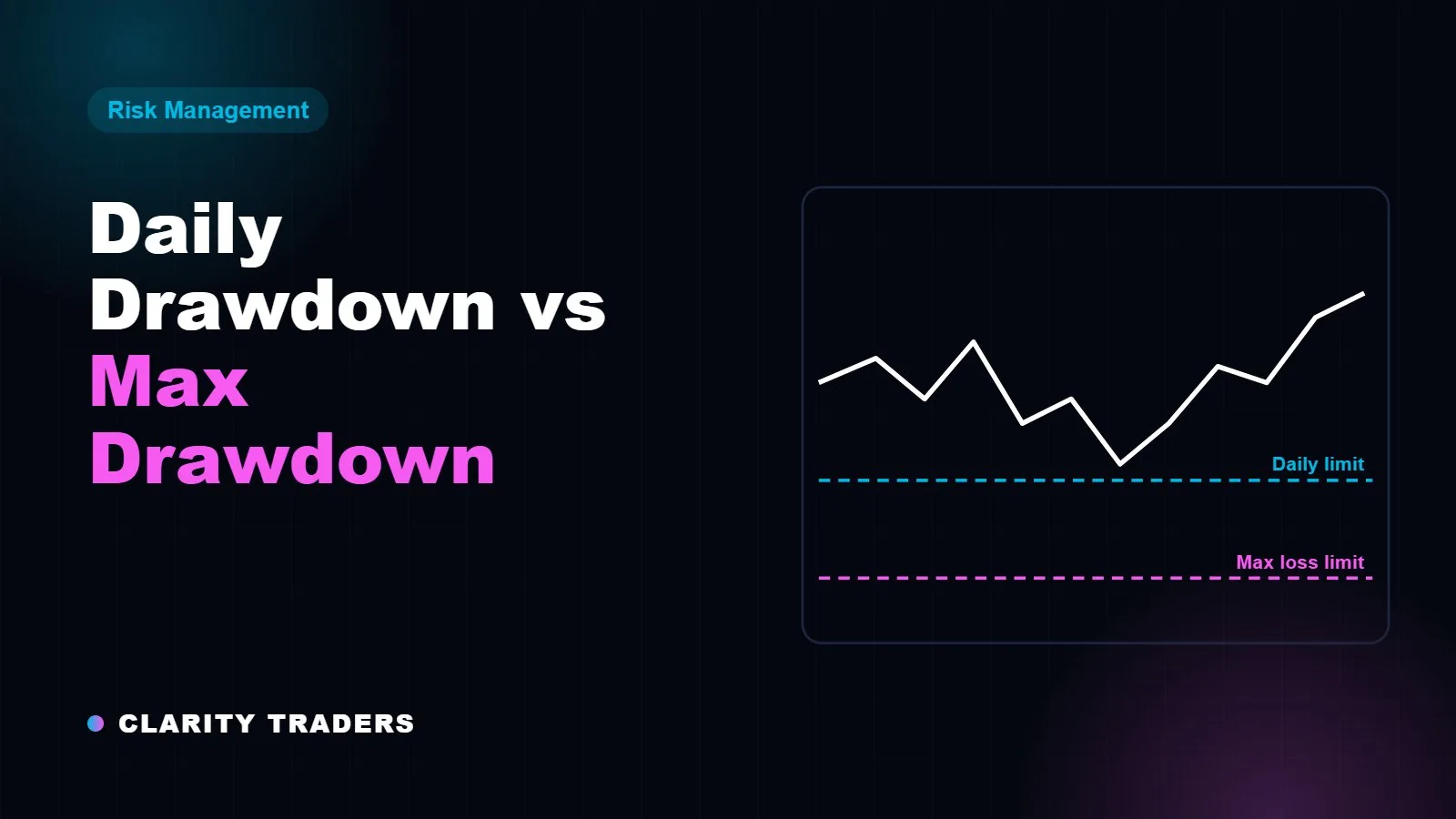
- Built-in risk calculator. Set stop loss and take profit in dollars, percent or lots, and size orders from your maximum risk per trade. This is the single most useful feature for respecting a daily loss limit.
- Trailing stops, which move with the trade as it goes in your favour.
How to set up TradeLocker for a prop account
- Set your risk per trade first. Decide a fixed percentage, for example 0.5% of the account, and use the risk calculator on every order.
- Always attach a stop loss before you send the order.
- Keep a note of your daily limit in dollars. Our trading rules page shows the exact number for every Clarity account size.
- Check spreads before you trade on your instruments. You can watch Clarity's live bid and ask on our Live Spreads page.
- Connect a journal. Clarity Tracking lists TradeLocker among its integrations, so your trades can sync automatically.
Practice on TradeLocker with a simulated funded account.
Compare Clarity accounts →
From prop account to personal account on the same platform
Many funded traders eventually open a personal trading account as well. Switching platforms at that point means relearning shortcuts, rebuilding chart layouts and risking execution mistakes. Clarity FX, the official broker in the Clarity network, is a TradeLocker broker, so you can keep the platform you already know. After you open an account, Clarity FX emails your TradeLocker login details, and you choose the leverage that fits your trading style during registration.
Trading leveraged products such as forex and CFDs carries a high risk of losing money. Clarity Traders accounts are simulated. A live brokerage account uses real money, so check the broker's legal documents and whether it is permitted to serve clients in your country before you deposit.
TradeLocker vs MetaTrader: quick comparison
- Setup: TradeLocker runs in the browser; MetaTrader is traditionally a download.
- Charts: TradeLocker uses TradingView charting; MetaTrader uses its own.
- Risk sizing: TradeLocker has a built-in risk calculator; on MetaTrader, traders often add a script or use an external calculator.
- Automation: MetaTrader has a long history with Expert Advisors. If you rely on bots, check what your firm allows; see EA rules at prop firms.
Frequently asked questions
Is TradeLocker free?
TradeLocker is provided by brokers and prop firms, so you get access through the account you open rather than buying it separately.
Does TradeLocker work on mobile?
Yes. Besides the browser version there is a mobile app and a desktop app.
Which platform do Clarity Traders accounts use?
Clarity Traders accounts run on TradeLocker. You can see live spreads on a TradeLocker demo on our Live Spreads page.
All Clarity Traders accounts are simulated and use virtual funds. Rewards are based on performance in that simulation. This article is for education only and is not financial advice. Trading involves substantial risk.