Can You Use Expert Advisors at a Prop Firm? EA Rules Explained
Which trading bots prop firms allow, which strategies get accounts closed, and a checklist for testing an Expert Advisor so it respects daily and maximum loss limits.

Key takeaways
- Many prop firms allow Expert Advisors; at Clarity Traders you need the EA’s Allowed add-on.
- High-frequency, latency arbitrage and similar strategies are prohibited, and trades must stay open at least 60 seconds.
- Test any EA against the account’s daily and maximum loss limits before running it on a funded account.
- Add a hard daily equity stop to the EA so a bad day cannot breach the account.
Expert Advisors (EAs) are automated trading programs, usually for MetaTrader. They can execute a strategy without emotion and around the clock. They can also breach a prop firm account in minutes if they ignore the rules. This guide explains what prop firms typically allow, what gets accounts closed, and how to test an EA properly before you trust it with a funded account.
Are EAs allowed at prop firms?
Policies vary. Some firms allow any EA, some allow only certain types, and some charge for permission. At Clarity Traders, Expert Advisors are allowed with the EA’s Allowed add-on, chosen at checkout, as long as the EA follows the trading policies.
Strategies that are usually prohibited
- High-frequency trading: large numbers of very short trades. At Clarity, trades must stay open at least 60 seconds.
- Latency arbitrage: exploiting delays between price feeds.
- Tick scalping and similar exploits that rely on simulated-environment quirks rather than real market behaviour.
- Copying the same EA across many accounts in a way that breaks the firm’s terms.
Read the full trading policies before you run any automated strategy. If you are unsure whether a specific EA is allowed, ask support first.
Why EAs breach accounts
- Martingale and grid logic: adding size after losses can survive for weeks and then breach a limit in one move.
- No daily stop: most EAs do not know about your firm’s daily loss limit.
- Back-tests on different conditions: spreads, commissions and execution in testing may not match the live environment.
- News spikes and gaps: an EA can open trades into a release or hold through a weekend gap.
Run your EA on a funded account with the EA’s Allowed add-on.
Compare accounts →
Checklist before running an EA on a prop account
- Confirm it is allowed under the firm’s trading policies and that you have the right add-on.
- Check the minimum holding time. Trades should stay open at least 60 seconds at Clarity.
- Remove martingale and grid features, or cap them so total open risk stays small.
- Set a fixed risk per trade, for example 0.25% to 0.5% of the account.
- Add a hard daily equity stop at about half the firm’s daily limit, which closes all trades and stops the EA for the day.
- Back-test with realistic costs and check the worst drawdown against the maximum loss limit.
- Forward-test on a demo for several weeks before using a paid account.
- Monitor it daily. Automated does not mean unattended.
Sizing an EA from your loss limits
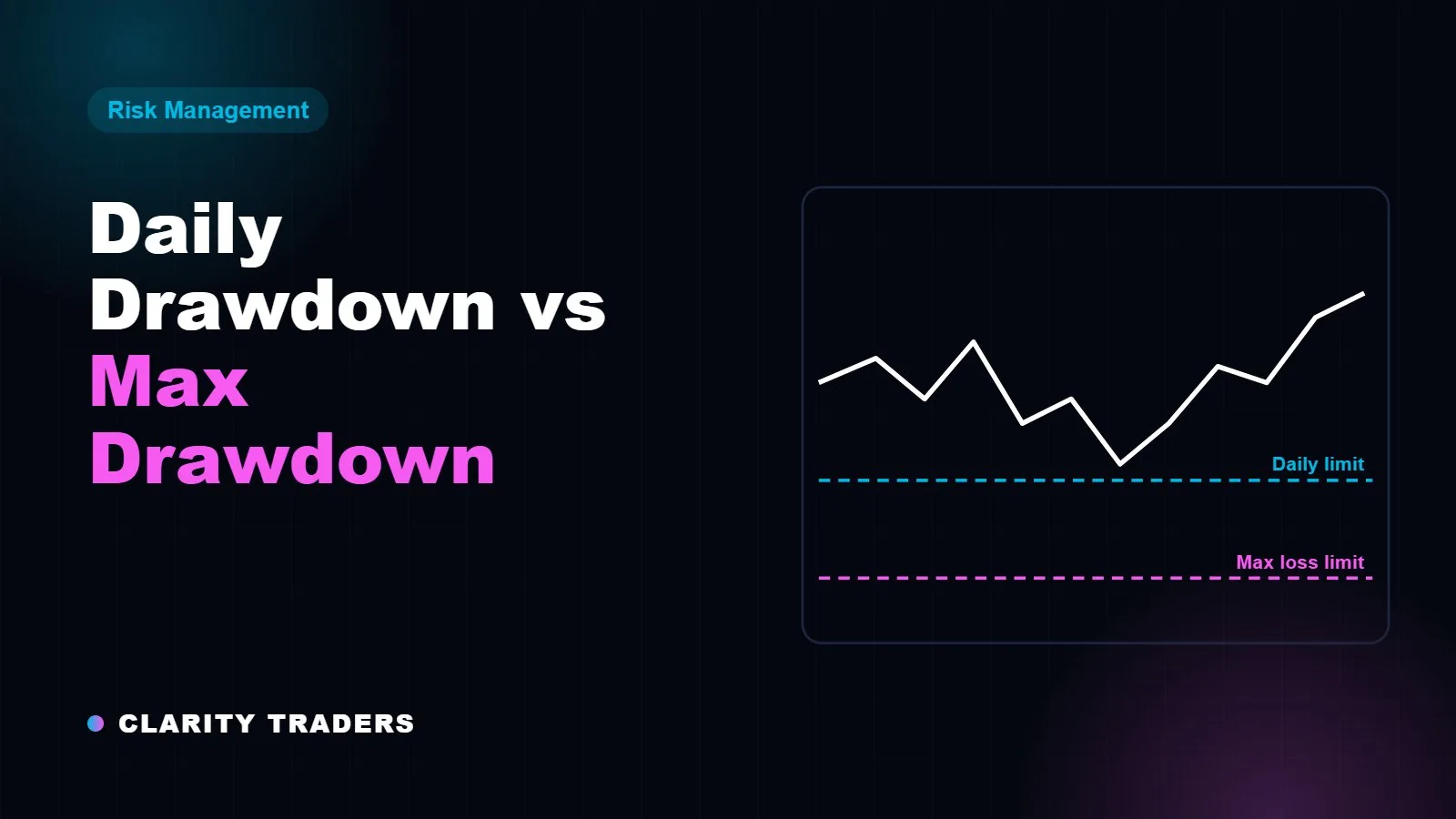
Look at the EA’s worst historical drawdown and compare it with your account’s maximum loss limit. If the EA has drawn down 12% in testing and the limit is 6%, it will eventually breach the account at that size. Halve the risk per trade and test again until the worst drawdown sits comfortably inside the limit, ideally at less than half of it.
[position-size-calculator]
Which account type suits automated trading?
EAs with steady, low-drawdown behaviour can work on any account. Strategies with deeper swings usually suit the Two Step, which allows an 8% maximum loss during the evaluation. Instant accounts have the tightest limits (3% daily, 5% maximum), so only very controlled EAs suit them. See trailing vs static drawdown for how limits move.
EAs and the consistency rule
On a funded account, a single day where the EA catches a big move can make the consistency rule harder to meet. Fixed position sizes and a daily profit cap inside the EA help keep results even. Read the consistency rule explained for details.
Automated or manual, trade with no minimum trading days and no time limit.
Explore Funded Trading Accounts →
If your strategy runs on TradeLocker, a short forward test in live market conditions shows how it handles real spreads and fills before you trust it with a funded account. Clarity FX, the broker partner in the Clarity network, offers TradeLocker accounts, so you can run that test on the same platform you use at Clarity Traders. Live testing uses your own money, so keep position sizes small.
Frequently asked questions
Do I need an add-on to use an EA at Clarity Traders?
Yes. Expert Advisors need the EA’s Allowed add-on and must follow the trading policies.
Can I use a trade copier?
Rules on copy trading vary. Check the trading policies or ask support before copying trades between accounts.
Can I run an EA on MT5 and TradeLocker?
EAs are platform-specific. MetaTrader EAs run on MT5. Check what your chosen platform supports before you buy.
Is a profitable back-test enough?
No. Forward-test on a demo with realistic costs, and make sure the worst drawdown fits well inside the account’s loss limits.
All Clarity Traders accounts are simulated and use virtual funds. Rewards are based on performance in that simulation. This article is for education only and is not financial advice. Trading involves substantial risk.